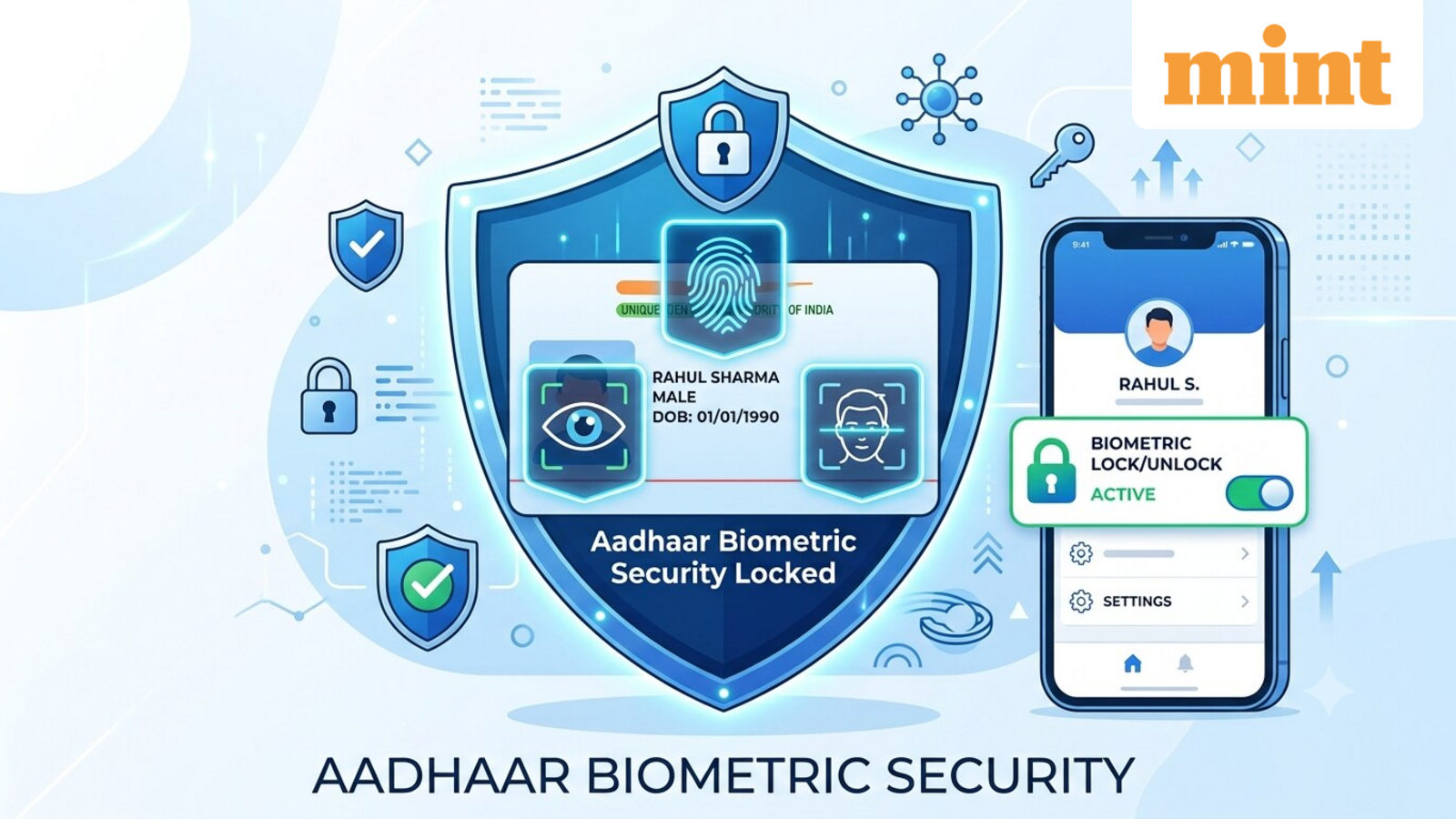
How to lock and unlock your fingerprints and iris using new Aadhaar App
The Ministry of Electronics and Information Technology (MeitY), in a press release dated 18 July, highlighted the growing adoption of the Aadhaar App, which has crossed four crore downloads.
The ministry also said that Aadhaar holders have used the “Biometric Lock/Unlock” feature more than 1.91 crore times, indicating increased awareness around securing personal identity information.
The feature gives users greater control over their Aadhaar-linked biometrics by allowing them to lock or temporarily unlock them as needed, helping reduce the risk of unauthorized biometric authentication.
What is Aadhaar Biometric Lock?
Biometric Lock is a security feature that enables Aadhaar cardholders to lock their fingerprint, iris and facial authentication linked to their Aadhaar number. Once biometrics are locked, they cannot be used for Aadhaar authentication until the user unlocks them.
This security means that no individual or organization can complete biometric Aadhaar authentication using the locked biometrics, adding an extra layer of protection against misuse.
The facility is available only to Aadhaar holders whose mobile number is registered with Aadhaar.
If someone attempts biometric authentication using the UID (Unique Identification Number) while biometrics are locked, the authentication request fails and returns error code “330”, indicating that the biometrics are currently locked.
How to lock or unlock biometrics using Aadhaar App?
Users can enable or disable biometric locking directly through the Aadhaar App by following these steps:
- Open the Aadhaar App and log in using your 6-digit PIN.
- On the home screen, tap the “Biometric Lock/Unlock” option displayed below your Aadhaar card.
- Confirm your choice to lock your biometrics.
- To unlock them, tap the same option again and confirm the action.
Alternative method
The same feature can also be accessed through the app’s Security section:
Why should you use Aadhaar Biometric Lock feature?
Biometric authentication is commonly used for identity verification while availing various Aadhaar-enabled services. Locking biometrics ensures that fingerprint, iris or facial authentication cannot be used without the Aadhaar holder’s consent.
In the press release, MeitY said: “This feature empowers Aadhaar number holders with greater control over their personal information by allowing them to instantly lock or unlock their biometrics whenever required, adding an extra layer of security with just a few taps.”
Disclaimer: This is for informational purposes only. Please check the official website for the latest updates.