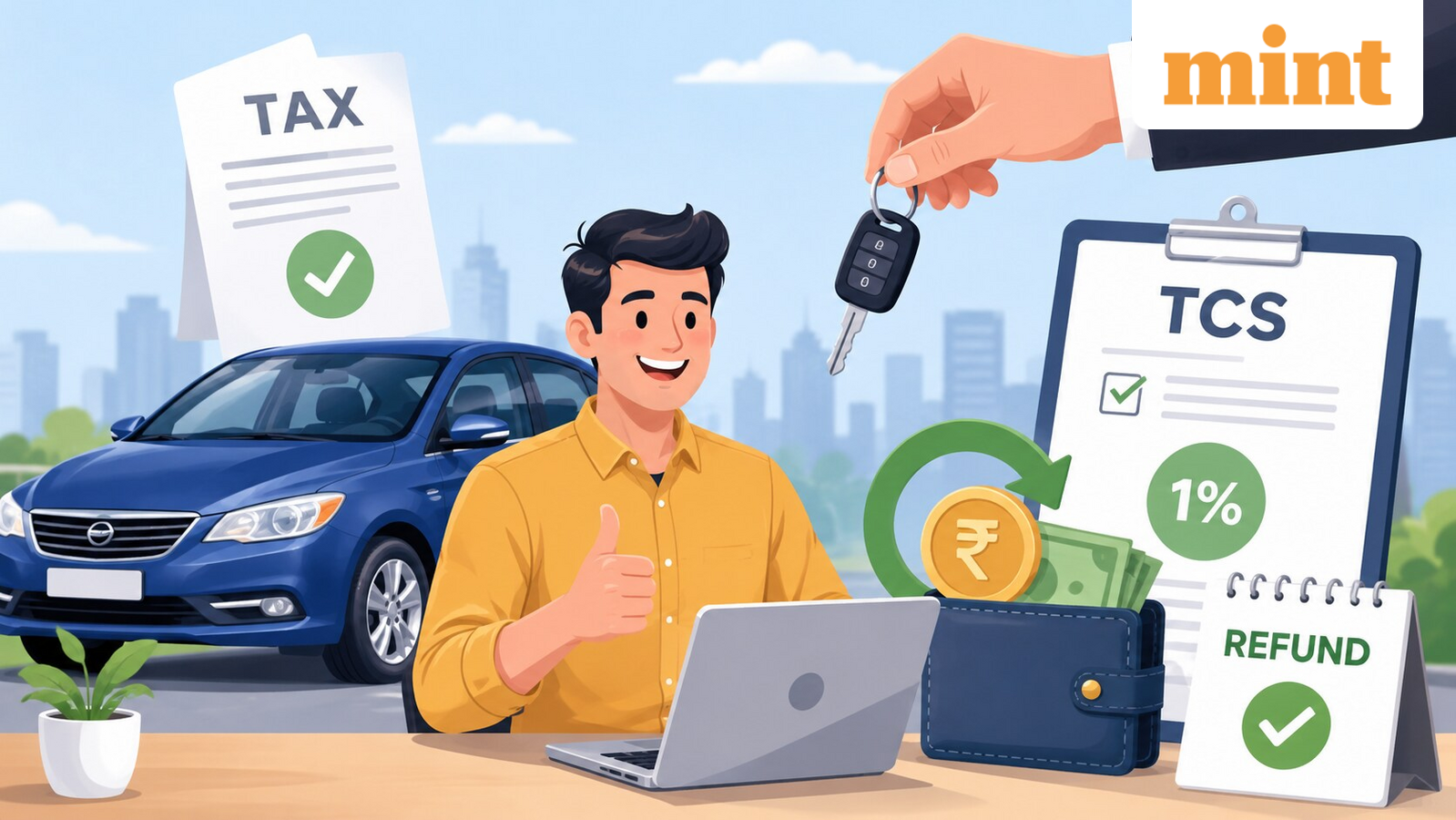
Bought a car worth over ₹10 lakh? Here’s how to claim your 1% TCS refund
Buying a car worth over ₹10 lakh attracts an additional tax. Dealers collect a TCS of 1% from buyers and deposit it with the Income Tax Department.
But it is important to know that TCS is treated as a tax credit. This means it can either reduce your final income tax liability or be refunded after you file your Income Tax Return (ITR).
What is TCS on a car purchase?
Car dealers and sellers are required to collect 1% TCS on the sale of a motor vehicle if its value exceeds ₹10 lakh. The tax is collected from the buyer at the time of the transaction and deposited against the buyer’s Permanent Account Number (PAN).
This provision applies to retail buyers and is intended to help the tax department track high-value purchases.
Who can claim the amount?
The TCS collected is reflected in the buyer’s tax records and can be claimed while filing the ITR for the relevant financial year.
If your total tax liability exceeds the TCS amount, the credit is applied to the tax payable.
However, if the TCS exceeds your final tax liability or you have no tax liability at all, you may receive the refund after you file the ITR.
5 steps to claim your TCS credit on a car purchase
Here are the clear steps you need to follow to claim your TCS refund:
Step 1: Collect your TCS documents
Collect the TCS certificate (Form 27D) from the car dealer. Ensure your PAN, the amount of TCS collected, and the collection date are correctly mentioned. If you haven’t received the certificate, you can download it from the TRACES portal.
Step 2: Check if the TCS is reflected in your tax records
Log in to the Income Tax e-filing portal and verify that the TCS appears in your Form 26AS or AIS. If the credit is missing, contact the dealer before filing your ITR.
Step 3: Compute your final tax liability
Calculate your total income tax liability for the financial year. If your tax payable exceeds the TCS amount, the credit will reduce your tax dues. If your tax liability is lower than the TCS collected, you can claim the excess amount as a refund.
Step 4: Claim the TCS while filing your ITR
File your income tax return for the relevant financial year and ensure the TCS amount reflected in Form 26AS or AIS is correctly claimed in your return before submitting it.
Step 5: Track the refund
Log in to the e-filing portal and check the refund status under “View Filed Returns”. If eligible, the refund will be credited to your pre-validated bank account.
When will you get a refund?
You will receive a refund if:
- Your total tax liability is lower than the TCS collected.
- Your income falls below the taxable limit, but TCS was still collected on the car purchase.
Disclaimer: This is only for informational and educational purposes. Please consult a qualified tax expert for the latest tax laws and regulations.