Jeevan Pramaan 2026: How pensioners can submit life certificate online | Personal Finance
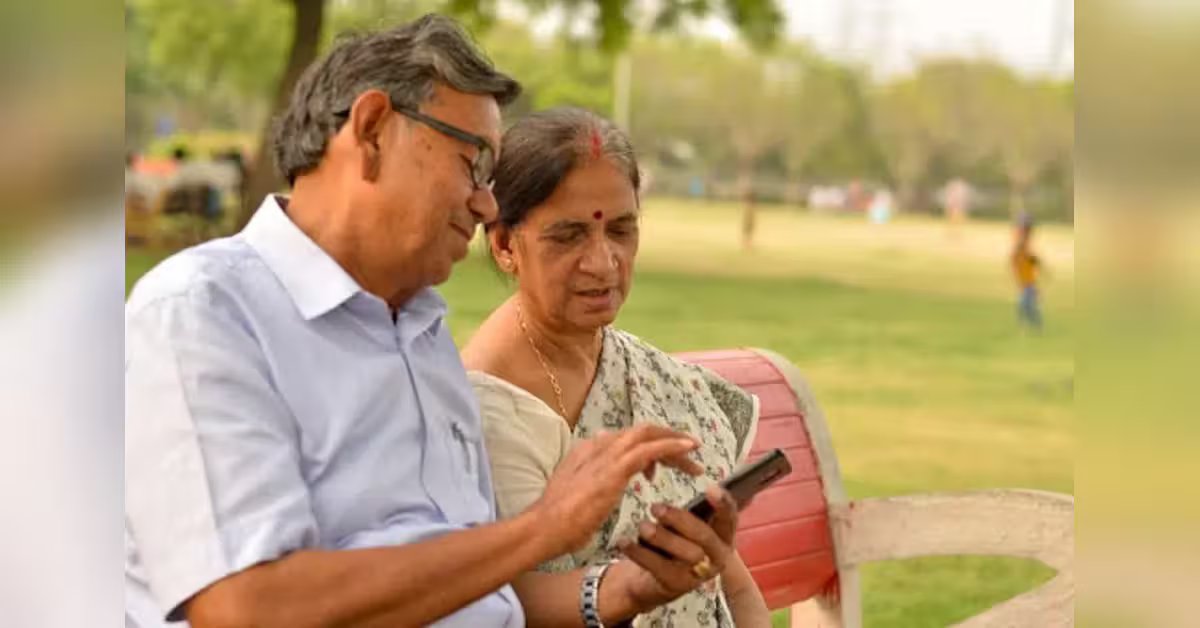
Pensioners aged 80 or more can submit their annual life certificate, as the submission window opened on October 1. Other pensioners can submit their certificates from November 1, with November 30 being the deadline. They can use the government’s Jeevan Pramaan facility to generate a Digital Life Certificate (DLC) through Aadhaar-based face authentication without visiting a bank branch. Here is how to submit the certificate online and check its status.
What is Jeevan Pramaan?
Jeevan Pramaan is a government facility that enables pensioners to submit their annual life certificate electronically. It reduces the need for physical visits, particularly for elderly pensioners and those who find travelling difficult.
Digital submission is not compulsory. Pensioners can also use other permitted methods, including biometric authentication, doorstep banking and physical submission at a bank branch.
How to submit Jeevan Pramaan using face authentication
Pensioners can complete the process using a compatible Android smartphone with an internet connection. Before starting, keep the following details ready:
- Aadhaar number or virtual identification number (VID)
- Pension Payment Order (PPO) number
- Active mobile number
- Pension account details
- Information about the pension sanctioning and disbursing authorities
Follow these steps to generate the certificate:
Download the applications: Install the Jeevan Pramaan Face application and AadhaarFaceRD application from the Google Play Store.
Complete operator authentication: Open the application and follow the instructions to authenticate the operator initiating the process.
Enter pension details: Provide the pensioner’s Aadhaar number and the required PPO and pension-related information.
Complete face authentication: Follow the on-screen instructions to capture the pensioner’s face using the smartphone’s front camera.
Submit the details: Complete the authentication process and submit the information.
Save the confirmation: Once the process succeeds, note the unique Pramaan ID generated for the Digital Life Certificate.
Pensioners should enter their details carefully to avoid authentication failures or discrepancies.
What if you cannot use a smartphone?
Pensioners who cannot complete face authentication can explore other permitted submission methods.
Biometric authentication: Use an authorised fingerprint or iris-scanning facility.
Doorstep banking: Request a home visit through the bank’s doorstep service.
Physical submission: Visit the relevant bank branch and submit the life certificate through the permitted procedure.
Pensioners should check with their bank or pension-disbursing agency about the availability of these options and any applicable charges.
How to check the status of your life certificate
Successful face authentication does not necessarily mean that the pension authority has accepted the certificate.
After submission, pensioners should visit the official Jeevan Pramaan portal at jeevanpramaan.gov.in and use the available certificate services to access their Digital Life Certificate with the Pramaan ID.
If the certificate has been rejected or its status is unclear, they should contact their pension-disbursing authority to resolve the issue.
Pensioners aged 80 and above should complete the process within the applicable submission window, while those below 80 can submit from November 1. Checking the certificate’s acceptance status is important to reduce the risk of avoidable delays in pension payments.