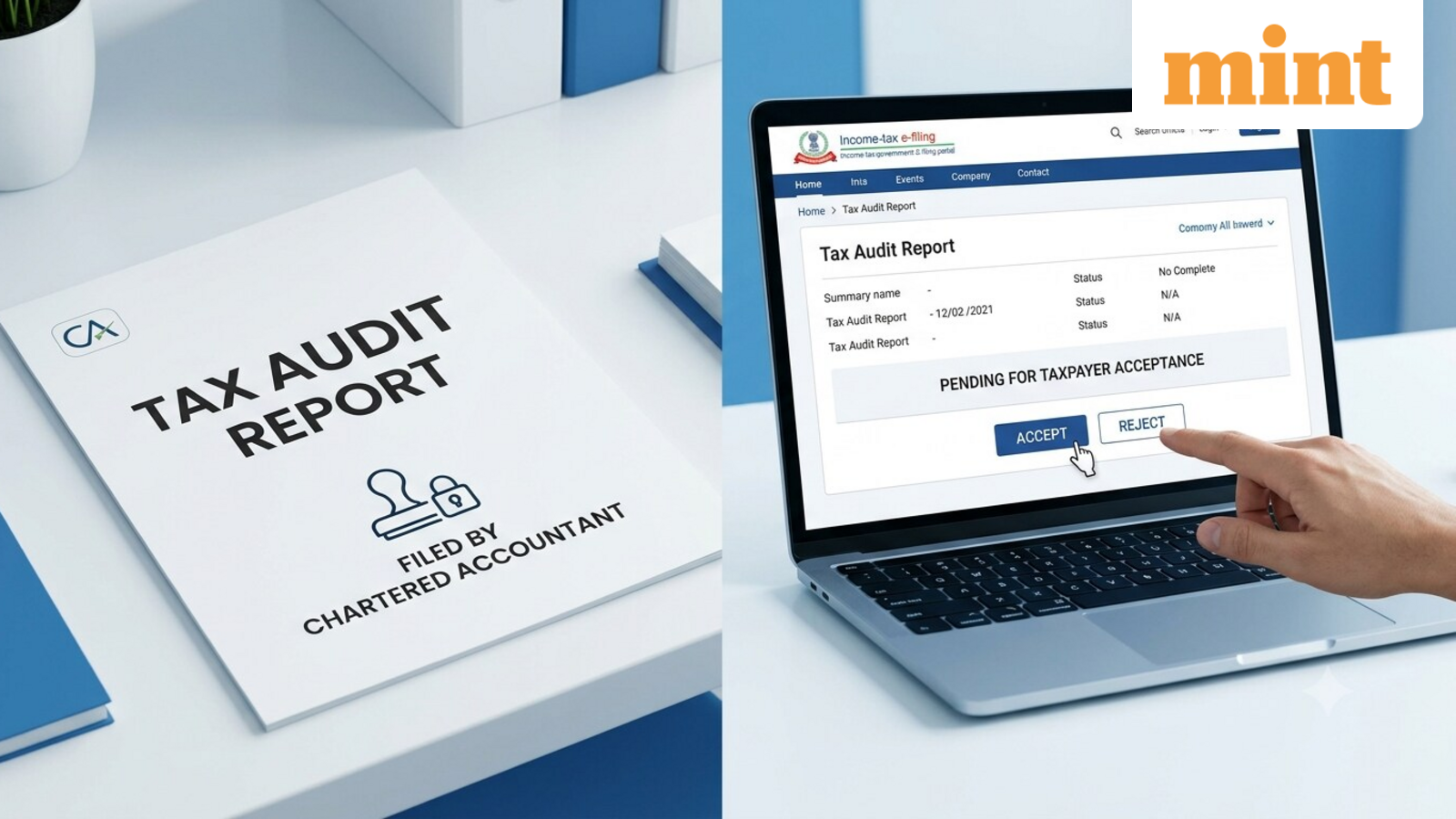
CA submitted your tax audit report? The process doesn’t end there—here’s what you still need to do by 30 September
If your accounts are subject to a tax audit, the process does not end when your chartered accountant (CA) prepares and uploads the tax audit report. You also need to approve the report through the income-tax e-filing portal by 30 September.
The process starts with the taxpayer assigning the applicable tax audit form to the CA. The CA accepts the assignment, prepares and submits the report, and verifies it using their Digital Signature Certificate (DSC).
Once the CA submits the report, the taxpayer receives a confirmation at the email ID and mobile number registered with the e-filing portal.
However, there is one more step. The taxpayer has to accept the report and complete the required e-verification on the portal.
What happens after the CA submits the tax audit report?
Once the CA uploads the report, it becomes available in the taxpayer’s Worklist on the e-filing portal for acceptance.
The taxpayer needs to log in, check the report submitted by the CA, and either accept or reject it. If the report is rejected, the taxpayer has to provide a reason.
“A report is not considered validly ‘furnished’ unless the taxpayer accepts the report on the portal. Forgetting to ‘accept’ the report after the auditor uploads it is a common procedural lapse,” said Isha Sekhri, Founder, Isha Sekhri & Associates LLP.
Which tax audit form needs to be filled?
The taxpayer needs to assign the applicable tax audit form to the CA.
- Form 3CA-3CD: Applicable where the taxpayer is required to get their accounts audited under another law.
- Form 3CB-3CD: Applicable where the taxpayer is not required to get their accounts audited under any other law but is covered by the tax-audit provisions under section 44AB.
Only one of these combinations will apply to a taxpayer. Form 3CA or 3CB contains the audit report, while Form 3CD contains the prescribed particulars reported by the CA.
How do you accept and verify the tax audit report?
Once the CA has submitted the report, the taxpayer can complete the process online.
Step 1: Log in to the income-tax e-filing portal using your user ID and password.
Step 2: Go to “Pending Actions” and select “Worklist”.
Step 3: Under “Pending for Acceptance”, find the tax audit report submitted by your CA and click “Accept”.
Step 4: After accepting the report, you will be taken to the “e-Verify” page.
Step 5: Complete the verification using an applicable method, such as a Digital Signature Certificate, Aadhaar OTP, bank account EVC, demat account EVC, or net banking.
After successful verification, the portal displays a confirmation with a Transaction ID and Acknowledgement Receipt Number. You should retain these details for your records. A confirmation is also sent to your registered email ID and mobile number.
What is the deadline to submit the tax audit report?
For taxpayers covered by section 44AB, the tax audit report has to be submitted by the prescribed due date. For financial year 2025-26, corresponding to assessment year 2026-27, the tax audit report should be submitted by 30 September 2026.
The report is electronically filed by the CA with the Income Tax Department. After the CA files it, the taxpayer must approve the report through their e-filing account and complete the required verification.
If you find an error, discuss it with your CA before accepting the report. So, CA submission is not the final step for the taxpayer. The taxpayer’s acceptance and required e-verification complete the process from their side.
Disclaimer: This is only for informational and educational purposes. Please consult a qualified expert for the latest laws and regulations.