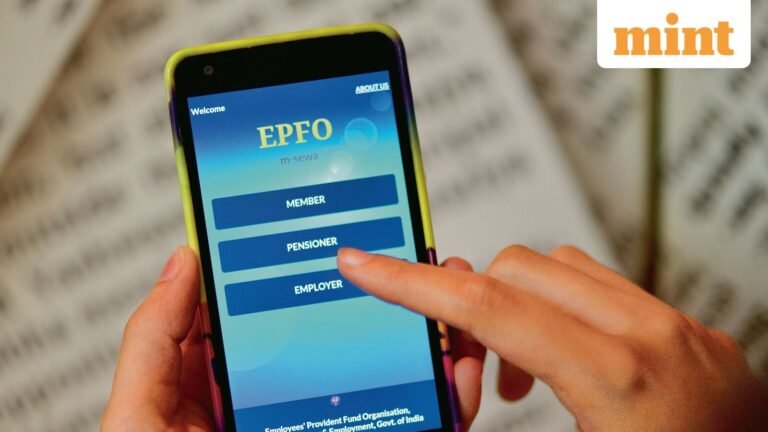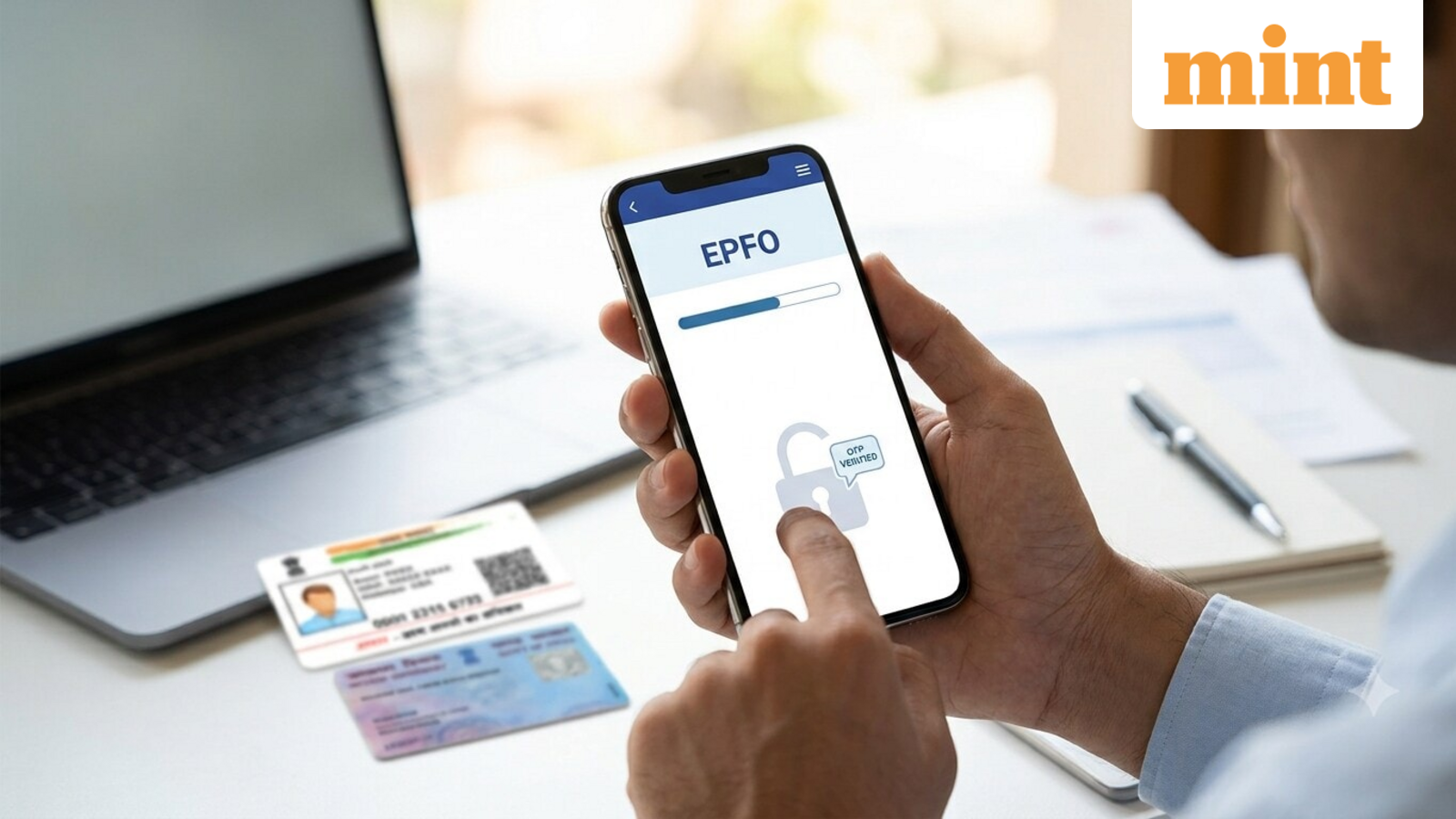
EPFO showing wrong service history? What employees should check immediately and do next to rectify the error
Several EPF subscribers have previously reported that their service history on the Employees’ Provident Fund Organisation (EPFO) member portal shows overlapping employment records, missing companies or incorrect joining dates after the retirement fund body’s online portal underwent a major IT system migration.
Such errors may look minor, but they can create problems while transferring PF after changing jobs, withdrawing PF, calculating Employees’ Pension Scheme (EPS) service, or completing background verification with a new employer. If you are still facing such issues, here are the details you need to check immediately, along with the steps you can take to ensure your requirements are not affected.
Verify that all employers are linked to the same UAN
The Universal Account Number (UAN), a unique 12-digit number, is assigned to every EPF member and remains the same throughout their career, no matter how many times they switch companies.
Problems can arise if an employee does not share their existing UAN with a new employer, leading to the creation of a second UAN, or if the previous employer does not update the employee’s exit date, resulting in an inactive or duplicate UAN.
This can complicate and delay PF transfers later or even lead to missing or split service history. Log in to the UMANG app and check whether all your previous and current PF accounts are linked under one active UAN.
Check the date of joining and exit
One must compare the joining date shown in the unified member portal with the appointment letter, salary slips, or employment contract. An incorrect date of joining can make it appear as if you were working for two employers at the same time, causing issues during background verification at a new company.
Meanwhile, if your previous employer has not updated the date of exit, the EPFO system may continue to show that employment as active.
Review monthly PF contributions
Don’t forget to open your EPF passbook and check whether contributions are visible for every month you worked with that particular employer. Missing contribution entries may indicate either a reporting error or a deposit issue.
Confirm KYC details
Salaried employees must make sure that their Aadhaar, PAN, and bank account details are verified. Mismatched KYC information can also prevent proper linking of service records for the individual.
What to do next if the service history is wrong
All members with UANs issued before 1 October 2017 must submit an online joint declaration that requires employer approval. This will ensure transparency and proper alignment of such members.
If the employer is unavailable, all members of closed establishments or those whose employers cannot be contacted may submit a joint declaration, signed by an authorised officer, along with supporting documents, directly to the retirement fund body’s office.
In case a UAN is not Aadhaar-validated, is not available, or the request is made by the claimant after a member’s demise, a physical joint declaration must be submitted through the employer for EPFO approval.
You can also raise a complaint online through the EPFO’s grievance portal (https://epfigms.gov.in/grievance/grievancemaster), along with submitting all supporting documents such as appointment letters, relieving letters, salary slips, Form 11, Form 16, UAN service history, PF contribution records and proof of actual joining and exit dates.