Pay income tax online: Here’s everything you need to know about the 5 payment modes under the e-Pay Tax facility
Taxpayers who need to pay advance tax, self-assessment tax, demand payments, or other direct taxes can do it online through the Income Tax Department’s e-Pay Tax facility.
This facility is helpful for taxpayers who discover an additional tax liability while filing their Income Tax Return (ITR), even after accounting for TDS and other tax credits. Taxpayers can choose from five payment options based on their convenience.
What is e-Pay Tax?
The e-Pay Tax facility is an online payment service available on the Income Tax e-Filing portal that allows taxpayers to pay direct taxes electronically.
Taxpayers can make payments without logging into the portal by verifying their PAN or TAN using a one-time password sent to their registered mobile number.
Registered users can also access the facility after logging into the portal. After logging in, taxpayers can also view their payment history and download challan receipts directly from their accounts after the transaction is completed.
The payment process and modes remain the same whether the tax is being paid under the Income Tax Act, 1961 or the Income Tax Act, 2025.
How to make a tax payment?
To initiate a payment, visit the e-filing portal and open the e-Pay Tax section. Logged-in users can access it from the e-File menu, while others can select the e-Pay Tax option directly on the homepage.
Select the applicable tax category, choose the relevant assessment year or tax year, fill in the required tax details, enter the tax amount under the appropriate heads, and then select a preferred payment mode.
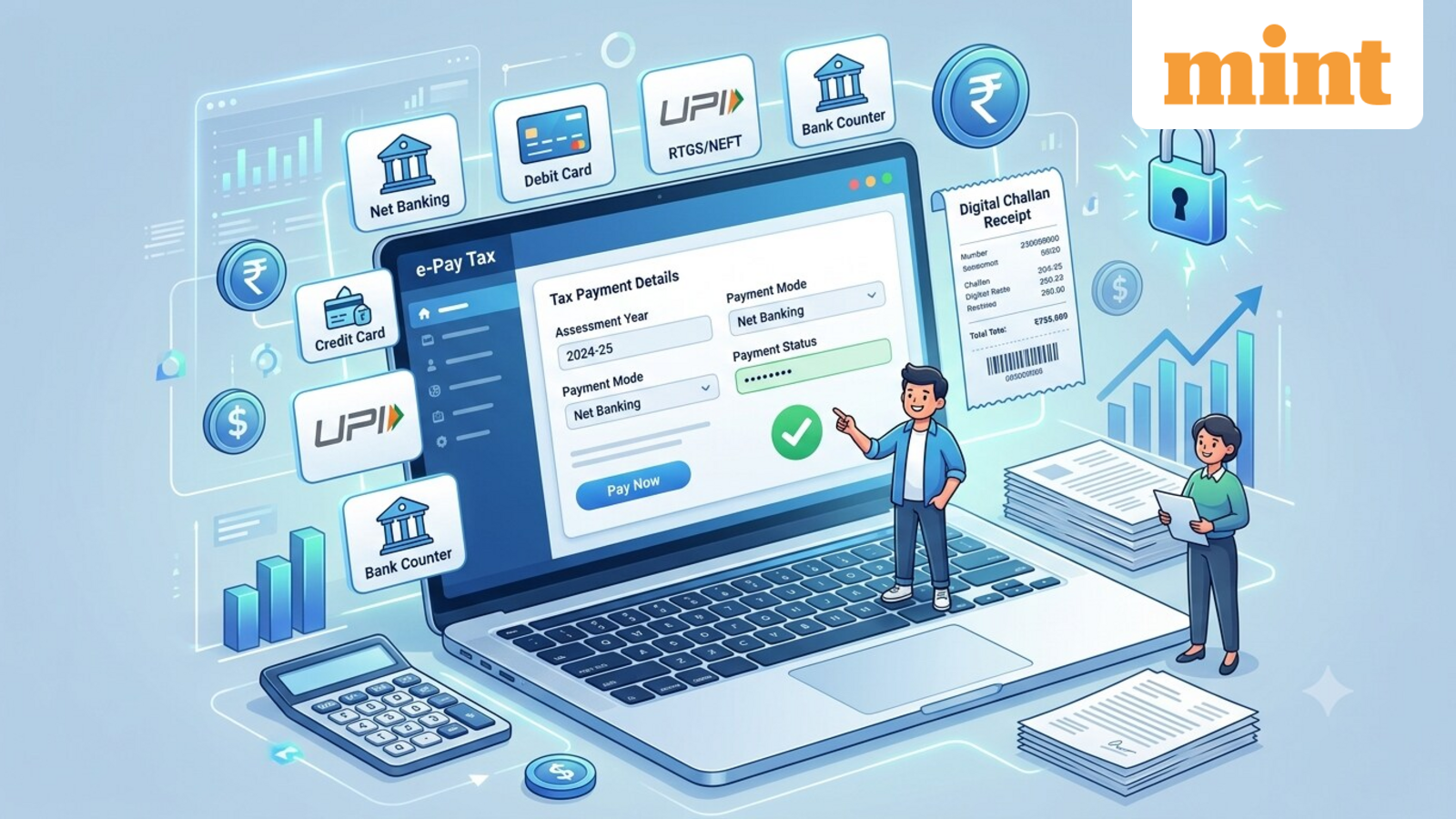
There are five payment modes available on the portal:
1. Net banking
This option is available through authorized banks that support tax payments on the portal. After reviewing the challan details, taxpayers are redirected to their bank’s internet banking page to complete the transaction.
Once the payment is successful, the challan receipt is generated and is available under the payment history tab.
2. Debit card
Taxpayers with debit cards issued by participating banks can pay taxes directly. After confirming the payment details, users need to enter their card credentials and OTP on the bank’s payment page. Once the payment is successful, the payment details and the challan receipt are available.
3. Pay at bank counter
Those who prefer offline payment can generate a challan online and pay at a selected authorized bank branch using cash, cheque or demand draft.
After submitting the payment details on the portal, taxpayers need to print the generated challan and visit any branch of the selected bank to make the payment.
Cash payments above ₹10,000 are not permitted under this mode. There are no transaction charges for making tax payments through this option.
4. RTGS/NEFT
Taxpayers can also pay taxes through RTGS or NEFT through any bank. After generating a mandate form on the portal, they can either visit a bank branch or transfer the amount via internet banking after adding the beneficiary details mentioned in the mandate form.
The payment is reflected on the e-filing portal after successful processing.
5. Payment gateway
This mode supports multiple digital payment options, including credit cards, debit cards, UPI and net banking. After verifying the tax details, taxpayers are redirected to the selected payment gateway to complete the transaction.
Transaction charges and applicable GST apply; the exact amount varies depending on the selected payment gateway or bank.
Disclaimer: This is only for informational and educational purposes. Please consult a qualified tax expert for the latest tax laws and regulations.