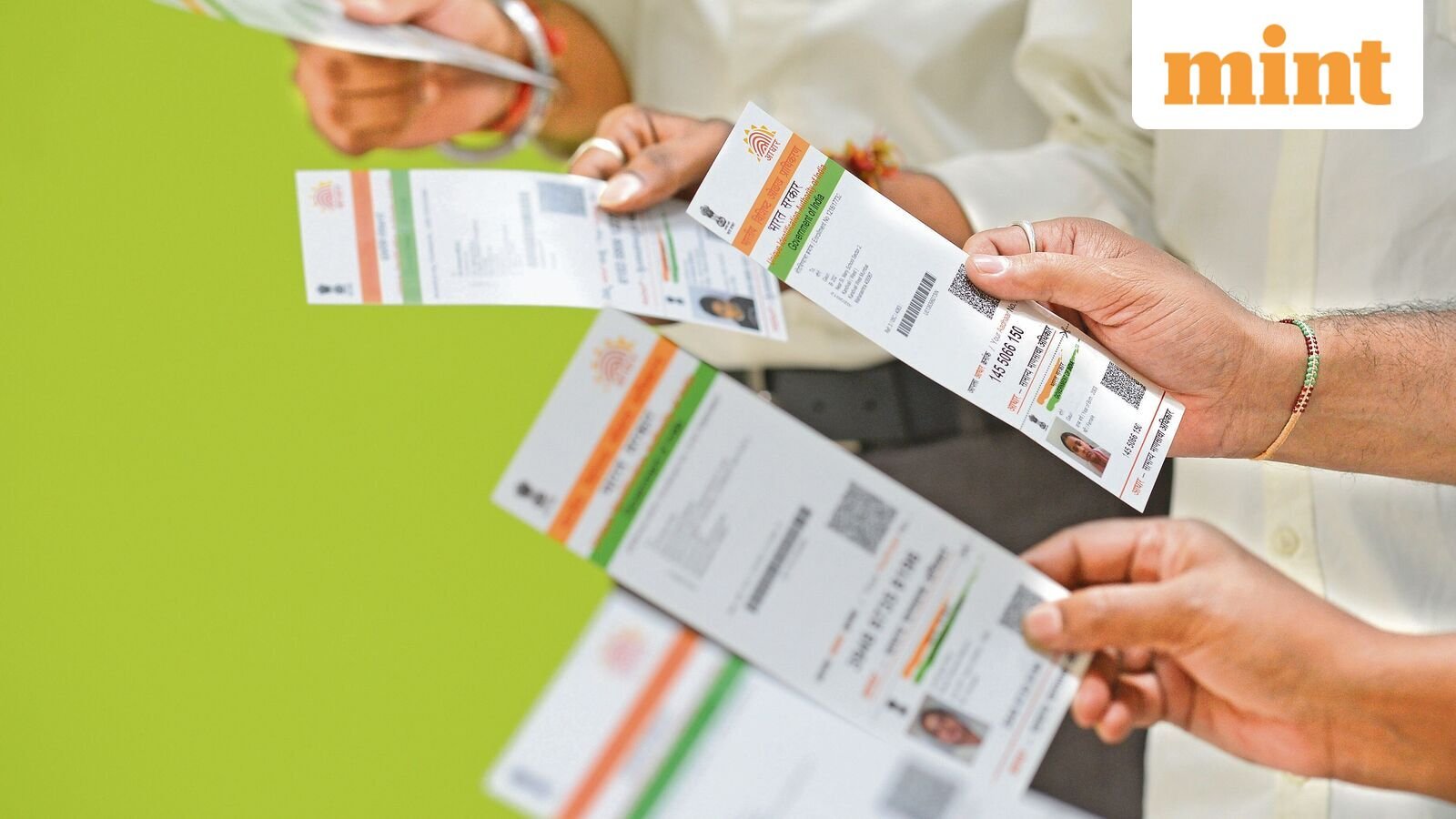
Baal Aadhaar Card 2026: How to apply, required documents, mandatory biometric updates and key rules for parents
A ‘Baal Aadhaar’ is a special Aadhaar document issued by the Unique Identification Authority of India (UIDAI) for all children below the age of five years. This is a special document, recognizable by its blue colour. The document provides children with a unique 12-digit identification number that can be utilized for school admissions, passport applications, hospital registrations, government welfare schemes and other Aadhaar-related services.
Unlike with regular Aadhaar cards, children under five years of age are not required to provide fingerprints or iris scans, as their biometrics are still developing.
Hence, the child’s Aadhaar is linked to the Aadhaar number of one parent or legal guardian, for identity verification. Once the child turns five, the first Mandatory Biometric Update (MBU) must be completed, followed by another at age 15.
Baal Aadhaar at a glance
|
Particular |
Details |
|---|---|
| Issuing authority | Unique Identification Authority of India (UIDAI) |
| Eligible age | Newborns and children below 5 years |
| Aadhaar colour | Blue |
| Biometrics during enrolment | Only a photograph is captured |
| Parent requirement | Aadhaar of one parent or legal guardian for authentication |
| Mandatory document | Birth Certificate (mandatory for children born on or after 1 October 2023) |
| Enrolment fee | Free |
| Mandatory biometric updates | At 5 years and 15 years |
| Aadhaar generation | Generally, within 30 days after successful enrolment |
How to apply for a ‘Baal Aadhaar’ Card
Parents can book an appointment for their child through the official UIDAI portal or directly visit an ‘Aadhaar Seva Kendra’. Even if you initiate the process online, you still have to visit the enrolment centre to complete the process.
Here is a step-by-step process.
Step-by-step process to apply for a ‘Baal Aadhaar’ card
Step 1: Book an appointment
The first step is to visit the UIDAI website and book an appointment at the nearest ‘Aadhaar Seva Kendra’. Many authorised centres offer walk-in enrolment.
Step 2: Carry required documents
Carry the child’s original birth certificate and the original Aadhaar card of one parent or legal guardian to make the process seamless. Additional documents, if applicable, should also be carried for verification purposes.
Step 3: Complete enrolment
At the Aadhaar centre, submit the enrolment form. The operator clicks the child’s photo, and the parent or guardian provide biometric authentication to confirm consent. No fingerprints or iris scans are collected for children under five.
Step 4: Collect enrolment ID
Upon completion of document verification, an acknowledgement slip containing the Enrolment ID (EID) is issued. This number can be used to check the enrolment status online and to see the next steps in completing the process.
Step 5: Download Aadhaar
Finally, once the Aadhaar card is generated, parents can download the e-Aadhaar using the Aadhaar number, virtual ID or enrolment ID. Those who prefer a physical card can also order the Aadhaar PVC card.
Mandatory biometric update: What all parents should know
‘Baal Aadhaar’ issued to children below five does not contain biometric information.
During this process, iris scans, fresh photos and fingerprints of parents or legal guardians are captured. Then a second biometric update is compulsory after the child turns 15.
Currently, both mandatory biometric updates are provided free of cost if completed within the prescribed age period. In 2026, UIDAI also launched a nationwide awareness campaign involving schools to encourage parents to complete these updates on time.
Documents required for ‘Baal Aadhaar’
- Birth Certificate of the child (mandatory for children born on or after 1 October 2023).
- Aadhaar card of one parent or legal guardian.
- Additional supporting documents, if requested by UIDAI in specific cases.
Applying for a ‘Baal Aadhaar’ soon after birth gives a child an officially recognised digital identity. This initial step can help simplify access to education, healthcare, government schemes and travel.
For more updates, recent developments and clarity on the process, you can visit the official website of Unique Identification Authority of India (UIDAI) at: https://uidai.gov.in/