When to buy Apple’s accessories (and which ones to buy cheaper elsewhere)
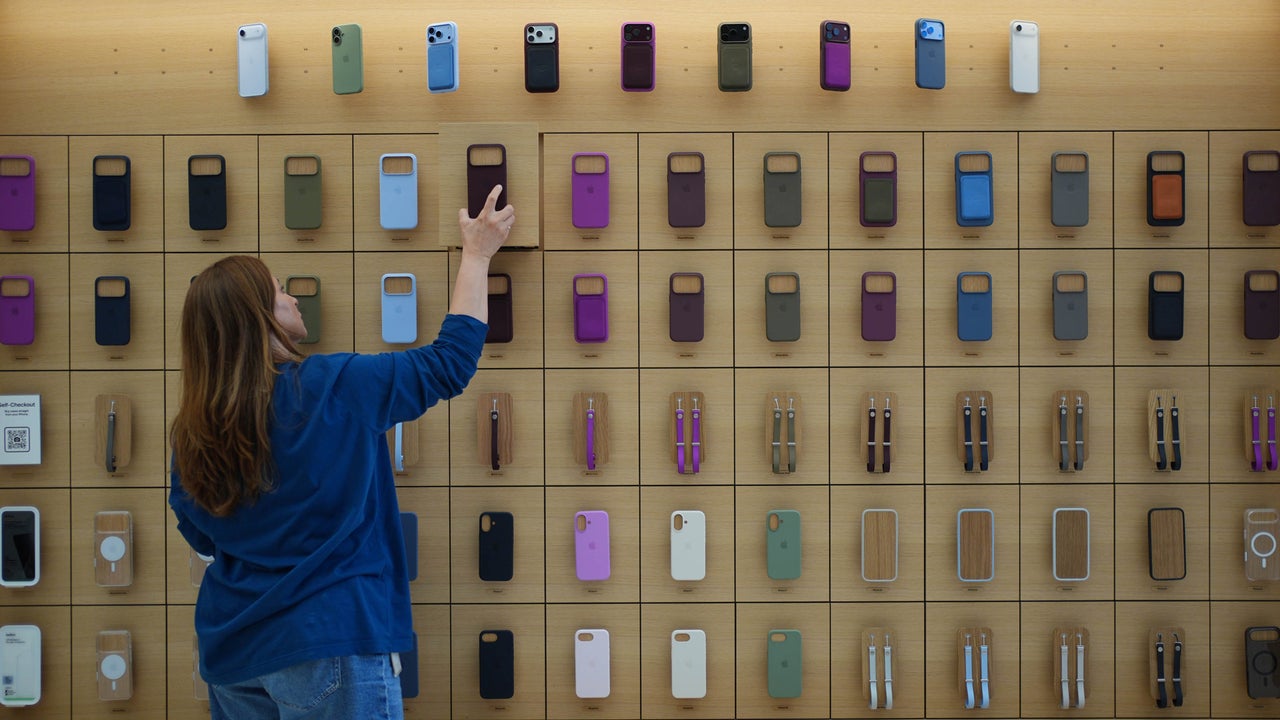
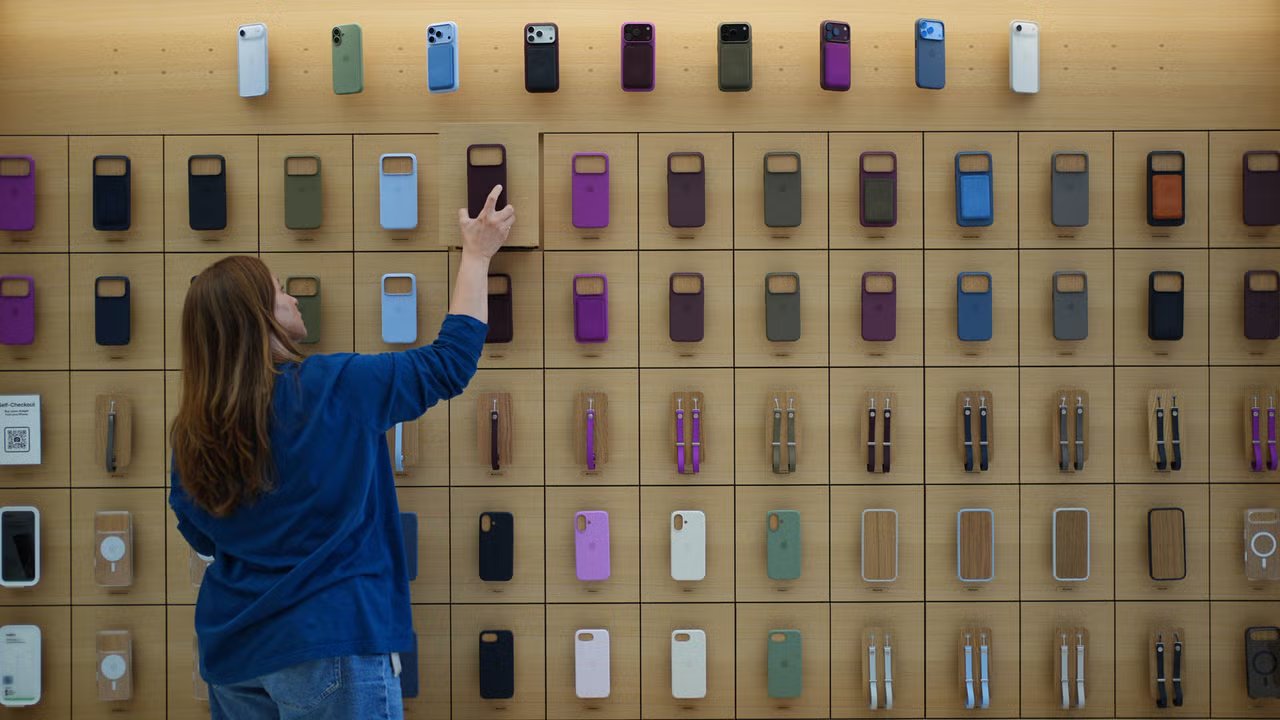
Dropping $1,200 on a brand-new iPhone only to have an Apple Store salesperson casually hand you a $49 silicone case and a $39 charging brick feels like a minor mugging.
Yes, Apple’s accessory margins are legendary. The company has built a multibillion-dollar side business selling $19 polishing cloths and $39 plastic dongles, banking on the assumption that you will blindly buy official gear for everything just to keep your new device working safely.
But that assumption is wrong.
At the same time, going bottom-barrel cheap for certain power components can result in slow charging speeds, excessive heat, or degraded battery health. Knowing where to spend your money and where to save comes down to a few clear rules.
Here’s a practical breakdown of which Apple accessories justify the official markup, and which ones you should buy third-party for a fraction of the price.
Buy official
MagSafe wireless chargers and power banks
There are a few specific categories where buying official Apple gear is genuinely worth the price tag, mostly where precision engineering, thermal safety, and input latency come into play.
MagSafe wireless chargers are a prime example. The official $39 Apple MagSafe charger contains proprietary hardware modules that communicate directly with iOS thermal management. It delivers fast wireless charging up to 25 watts while throttling output if your phone gets warm.
Most $15 magnetic knockoffs on Amazon are merely basic 7.5-watt Qi chargers with a magnetic ring glued inside. They generate excessive heat, charge your phone at half speed, and degrade long-term battery health.
Apple Pencil and iPad Magic Keyboard
The same rule applies to the Apple Pencil and iPad Magic Keyboard. An official Apple Pencil offers sub-millisecond latency, tilt sensitivity, and pressure tracking that generic $20 active styluses simply cannot replicate.
For the $300 (and up) Magic Keyboard, Apple’s Smart Connector passes power directly through the hinge without requiring separate Bluetooth pairing or charging dongles, and the glass trackpad remains unmatched in daily feel compared with plastic third-party alternatives.
Buy elsewhere
USB-C charging cables
When it comes to physical protection, textiles, and basic copper wiring, however, skip the Apple Store and head straight to a third party.
Standard USB-C charging cables are a classic case of Apple overcharging for a fragile product. Apple’s white cables are notorious for yellowing, fraying at the collar, and splitting after a year of travel.
Trusty third-party brands like Anker, Ugreen, and Spigen sell double-braided nylon USB-C cables rated for 100-watt power delivery and 30,000 bends for less than half the price of an Apple cable.
Cases and screen protectors
Protective cases and screen protectors are another area where third-party manufacturers consistently win. Apple’s official $49 silicone cases famously peel at the corners after a few months in a pocket, and their clear cases are notoriously slippery.
Third-party case makers offer air-cushioned corner protection, grippy textures, and built-in MagSafe rings on the cheap. Furthermore, paying Apple $40 in-store for a Belkin glass screen protector is painful when a $10 three-pack on Amazon includes an auto-alignment tray that guarantees a bubble-free installation in seconds.
Watch bands
Apple’s $50 woven nylon and silicone watch bands carry a criminal markup. Third-party woven nylon bands match the stretch, comfort, and lug fit of official bands so closely that you can buy a four-pack of different colors for a fraction of the cost of one official strap.
AirTag keychains and mounts
As for AirTags, paying $35 for a leather holder for a $29 tracking puck makes no financial sense. Third-party retailers are flooded with rugged, waterproof, screw-lock AirTag mounts that protect the tracker far better than Apple’s open-face leather loop—and most cost around $10.
The golden rule for outfitting your Apple gear is straightforward: Buy official for internal power management and precision inputs, but buy third-party for physical protection, textiles, and charging cables. Sticking to vetted tier-one brands like Anker, Spigen, and Ugreen allows you to fully kit out your new setup while keeping a substantial chunk of change in your bank account.