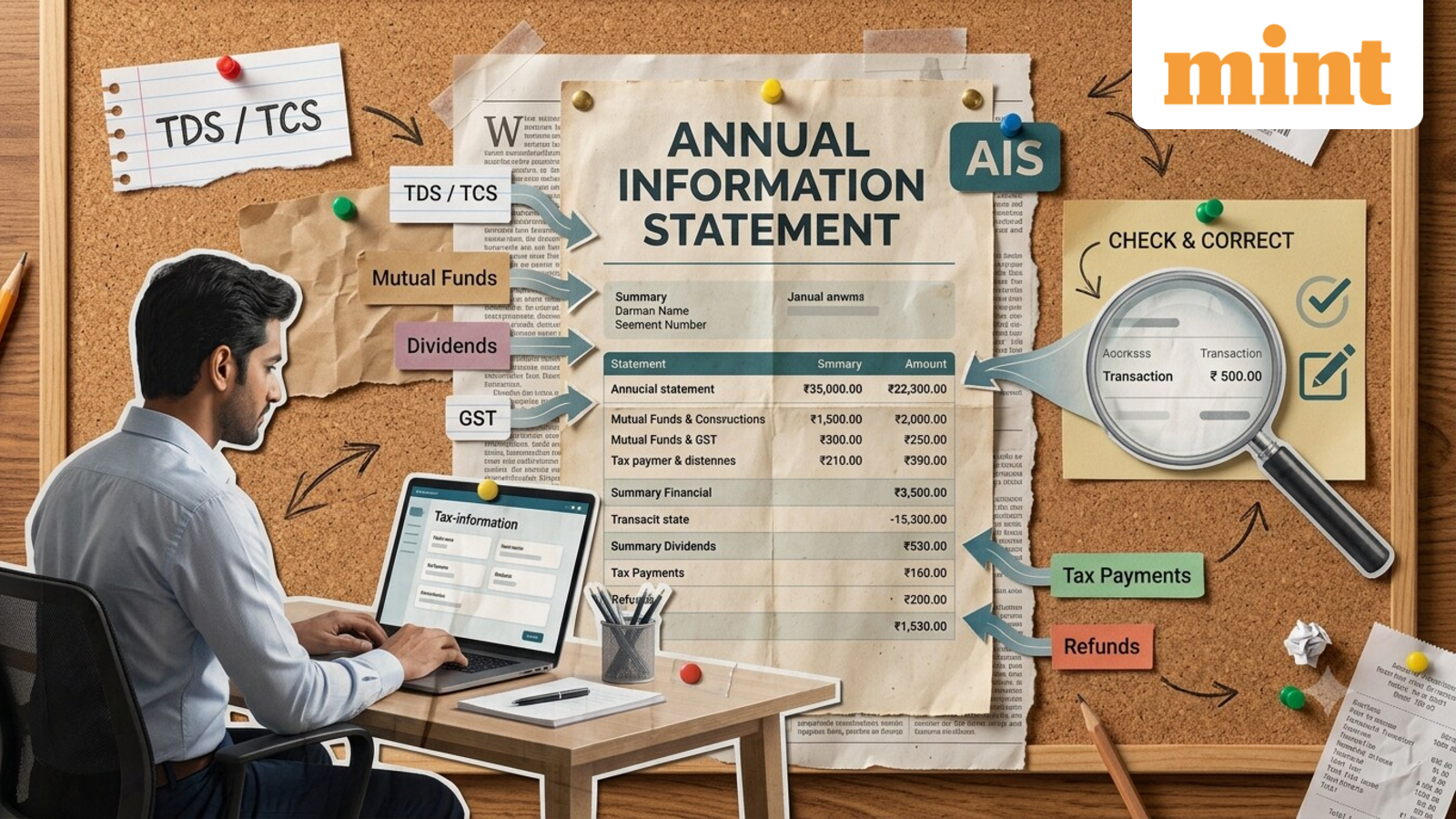
Annual Information Statement: What AIS covers, how taxpayers can access it and correct errors online
Taxpayers can use the Income Tax Department’s Annual Information Statement (AIS) to get a consolidated view of financial and tax-related information reported against their PAN for a financial year.
The statement can help taxpayers cross-check details before filing their income tax returns and flag information that is incorrect, duplicated, or does not belong to them.
The AIS is available through the income tax e-filing portal and the ‘AIS for Taxpayer’ mobile app.
What information does AIS contain?
AIS brings together information received by the tax department from different sources.
When is information added to AIS?
Not all information may appear in AIS at the same time.
Under the prescribed rules, information covering items such as GST returns, certain foreign remittances, Form 24Q information, ITR information of other taxpayers, off-market transactions, dividends, and mutual fund purchases can be uploaded within 3 months from the end of the month in which the information is received by the Income Tax Department.
This means taxpayers checking their AIS for April 2026 to March 2027 may see some entries added or updated later.
How can taxpayers access their AIS?
- Log in to the income tax e-filing portal. New users must first register.
- Go to “Services” and select Annual Information Statement (AIS).
- Select the relevant financial year.
Taxpayers will see two key sections: Part A, which contains basic taxpayer details, and Part B, which provides financial and tax-related information for the selected year.
Transaction-level data can be downloaded in Excel, while the complete statement is available in PDF or JSON formats. The downloaded PDF is password-protected and requires the taxpayer’s PAN in lowercase along with the date of birth.
What if the information in AIS is wrong?
Taxpayers can submit feedback directly against the relevant transaction through the AIS.
What happens after feedback is submitted?
Once the feedback is submitted, the Taxpayer Information Summary (TIS) is updated based on the response. TIS provides a category-wise summary of the information available in AIS and can display both the original value reported and the revised value after taxpayer feedback.
The revised information in TIS is used for pre-filling the income tax return. Taxpayers can check the status of their response through the Activity History and download the acknowledgement of the feedback submitted.
Disclaimer: This is only for informational and educational purposes. Please consult a qualified expert for the latest laws and regulations.