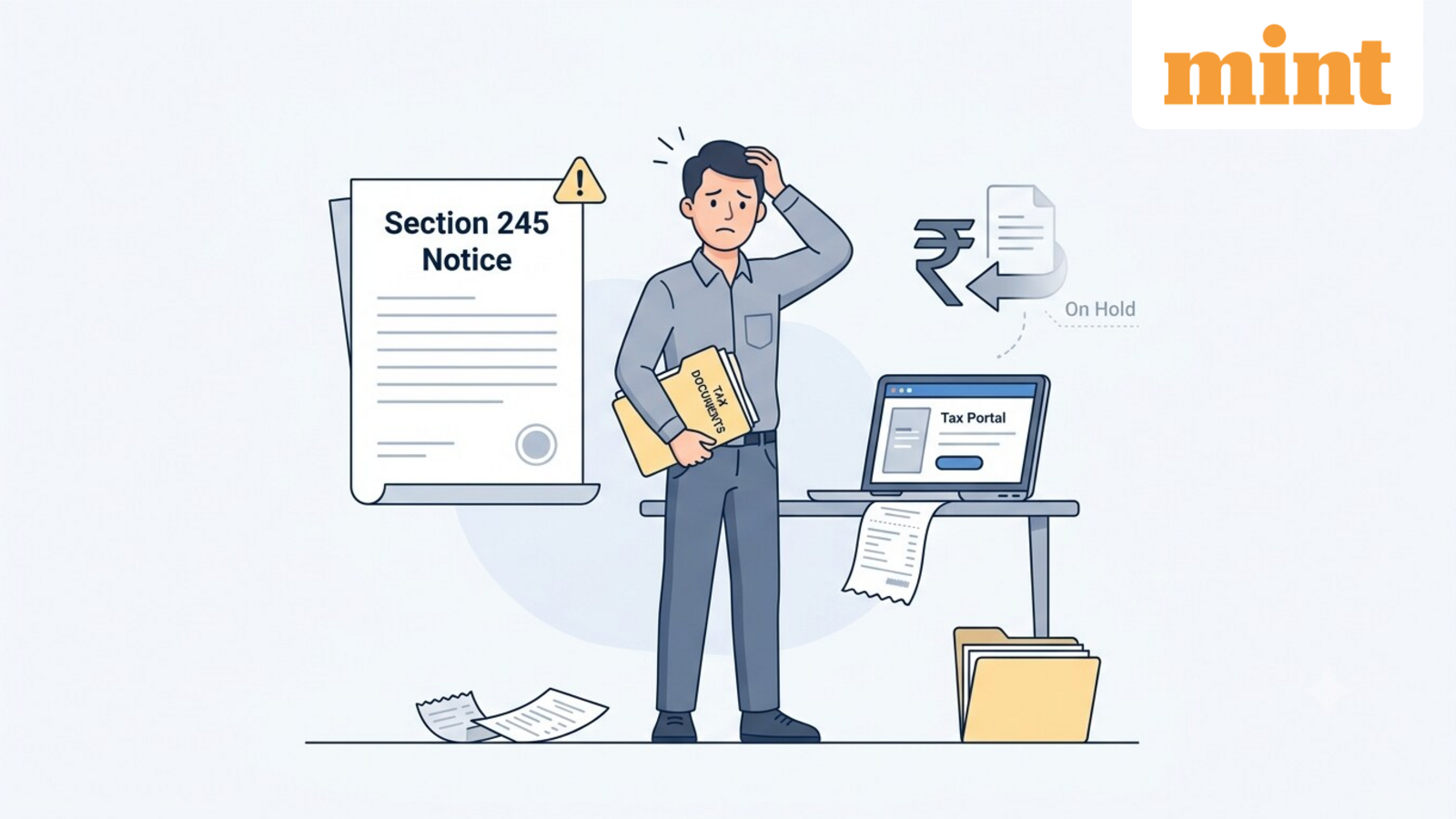
Received a Section 245 notice? Here’s why your income tax refund may be adjusted against pending tax demand
If you have received an intimation under Section 245 of the Income Tax Act, 1961, it does not necessarily mean you have done something wrong. It simply means the Income Tax Department intends to adjust your income tax refund against an outstanding tax demand from an earlier financial year.
Here’s what a Section 245 intimation means, why it is issued, and how you should respond.
What is a Section 245 intimation?
A Section 245 intimation is issued when the Income Tax Department finds that:
- You are eligible for an income tax refund for the current assessment year.
- You have an outstanding tax demand from a previous financial year.
For example, suppose you are due a refund of ₹12,000 for FY 2025-26, but there is an unpaid tax demand of ₹8,000 for FY 2022-23 because of a mismatch in tax credits or unpaid tax liability. In that case, the department may issue a Section 245 intimation proposing to adjust the outstanding demand against your refund. Instead of ₹12,000, you will receive a net refund of ₹4,000.
However, the Income Tax Department must first notify you before making the adjustment. Taxpayers are generally required to respond within 30 days of receiving the intimation. If no response is submitted within this period, the department may proceed with the adjustment.
How to check outstanding tax demand?
You can check the details of the demand by logging into the Income Tax e-filing portal.
- Log in to your account on the e-filing portal.
- Go to Pending Actions.
- Click Response to Outstanding Demand.
A list of all outstanding tax demands, if any, will appear on the screen. You can also view or download the latest and previous Section 245 notices.
How to respond to a Section 245 notice?
After logging into the e-filing portal, go to Pending Actions and click “Response to Outstanding Demand” and select the relevant demand. You will have three options:
3. You disagree with the demand (fully or partially)
- Select “Disagree with Demand.”
- Choose the appropriate reasons listed on the portal and provide the required details.
- If you disagree only partially, pay the remaining demand amount before submitting your final response.
Disclaimer: This is only for informational and educational purposes. Please consult a qualified tax expert for the latest tax laws and regulations.