Income tax email scams and fake websites: Key warning signs taxpayers should know and how to report them
With tax-related communication being done online, taxpayers need to stay alert to phishing emails and fake websites impersonating the Income Tax Department.
Fraudsters may use official-looking emails, websites, and messages to trick individuals into sharing sensitive financial or login information.
Here’s how taxpayers can identify such scams and report them to the Income Tax Department.
How phishing scams target taxpayers?
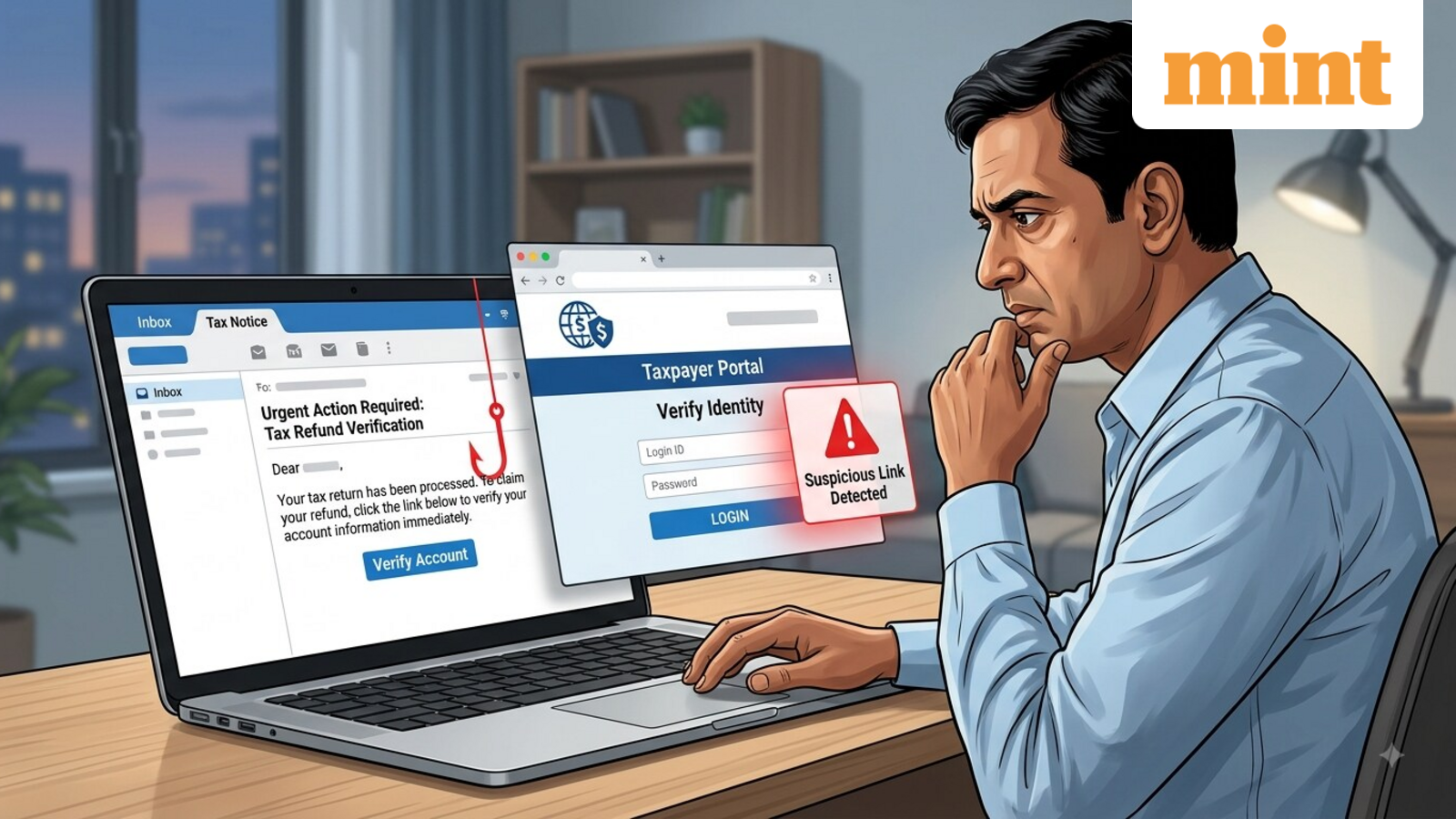
Phishing is a form of online fraud in which scammers impersonate a trusted organisation or service to obtain sensitive information. In the case of tax-related scams, fraudsters may pose as the Income Tax Department and send emails containing links to websites designed to look similar to the official tax portal.
These fake websites may ask taxpayers to enter information such as:
- Usernames and passwords
- Bank account or credit card details
- PINs and other financial credentials
Some phishing emails may also contain attachments or links that can install malicious software or track online activity.
How to identify a fake income tax email or website?
Taxpayers should be cautious if an email claims to be from the Income Tax Department and asks them to provide confidential information or directs them to an unfamiliar website.
Some key precautions include:
- Do not reply: Avoid responding to suspicious emails claiming to be from the Income Tax Department.
- Do not open attachments: Attachments in phishing emails may contain malicious code that could infect your device.
- Do not click on links: Avoid clicking links in suspicious tax-related emails, particularly if they ask you to enter personal or financial information.
- Do not copy and paste suspicious links: A link may appear genuine while actually directing you to a different website.
- Do not share confidential information: If you have already opened a suspicious link, do not enter bank, credit card, password, or other sensitive details.
- Keep security software updated: Use updated antivirus and anti-spyware software along with a firewall to protect your device from malicious files and programs.
It is important to note that the Income Tax Department does not send emails asking taxpayers for PINs, passwords, or other details related to credit cards or bank accounts.
How to report a fake income tax website or phishing email?
Taxpayers who receive an email claiming to be authorised by the Income Tax Department, or come across a website impersonating the department, can report it to the department.
The suspicious email or website URL can be forwarded to webmanager@incometax.gov.in. A copy can also be sent to incident@cert-in.org.in.
Taxpayers can forward the suspicious email as received. Alternatively, they can provide the email’s internet header, which contains additional information that can help authorities trace the source of the message.
After forwarding the suspicious email or relevant information, taxpayers should delete the message.
What if the phishing email is unrelated to income tax?
If a taxpayer receives a phishing email that does not impersonate the Income Tax Department, it can be reported directly to incident@cert-in.org.in.
The key takeaway for taxpayers is to treat unsolicited emails asking for sensitive financial or login information with caution.
Even when an email or website appears official, taxpayers should avoid sharing confidential information unless they have independently verified that they are using the genuine government service.
Disclaimer: This is meant for informational purposes only. Please visit the official website for the latest updates.