EPFO: UAN activation process moved to Umang app, here’s how — Stepwise guide and top FAQs answered
The Employees’ Provident Fund (EPF) is a government-backed investment and retirement savings option in India. Salaried individuals are eligible to open an EPF account when basic pay and dearness allowance are up to ₹15,000. You can further opt for voluntary provident fund (VPF), if the basic pay and DA exceed ₹15,000 per month.
For FY26, the Centre ratified the EPFO’s suggestion of 8.25% interest rate for both EPF and VPF and interest credits were completed earlier this month on 15 July, PTI reported. This marked the third consecutive time the instrument delivered 8.25% returns on provident fund.
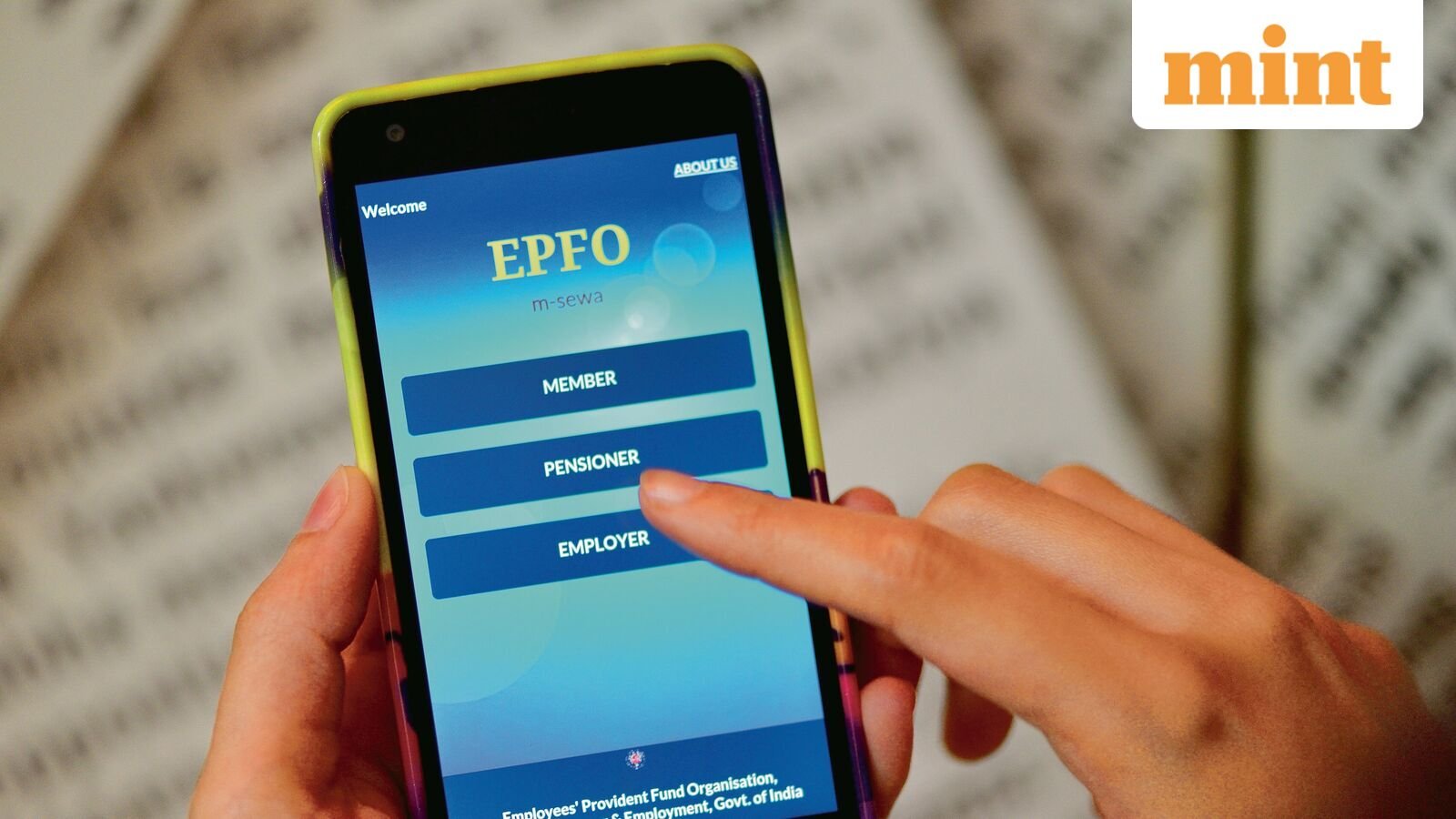
Today, we look at how EPF members can activate their Universal Account Number (UAN) or generate a new number using the Umang app, after the retirement fund body shifted both services from the portal to the mobile app. We also explain key things to know about UAN and answer important FAQs on the same.
UAN activation shifted to Umang app: Stepwise guide
The EPFO has discontinued UAN activation and new UAN generation through the portal and shifted both services to the Umang app, with mandatory requirement of Aadhaar-based Face Authentication (FAT).
The overhaul follows a major database consolidation and software upgrade that, according to EPFO, is aimed at making its online services faster and more reliable. Here’s a stepwise guide to complete the process:
How to generate your UAN on the portal:
- Go to the UAN service page.
- Enter Aadhaar-linked mobile number and verify OTP
- Pick from Member ID, PAN card, or Aadhaar Card, whichever you have, enter the details and fill in the captcha.
- Submit and verify OTP
- Your UAN will be sent via SMS.
Here’s how to retrieve forgotten UAN — Stepwise guide
Further, EPF subscribers can also retrieve their forgotten UAN using the official portal or the government’s Umang mobile app. Here’s how:
For those using the app, the steps to retrieve their forgotten UAN are as follows:
- Open Umang and search for “EPFO”
- Go to Employee Centric Services and select “Know Your UAN”
- Enter your registered mobile number, captcha, and verify with OTP
- Choose Aadhaar, PAN, or Member ID to search
- Enter your name and date of birth (according to Aadhaar card)
- Click “Show My UAN” to view it on screen and receive it via SMS
UAN and UAN activation: Key FAQs answered
How do I find my UAN number? Your UAN is printed on your salary slip and can also be found on the portal. Once you have logged in, navigate to ‘Know Your UAN’ and enter your PF member ID or Aadhaar/PAN.
You can also find your UAN by using SMS feature as follows: Send SMS EPFOHO UAN to 7738299899 from your registered mobile.
UAN is activated but I forgot my password. How to reset? Go to the EPFO Member Portal, click ‘Forgot Password’, enter your UAN, and verify via OTP on your registered mobile. If your mobile is not registered, visit your employer’s HR to update it.
My UAN is inactive even after activation. What to do? If activation appears successful but you cannot login, wait 24 hours and try again. If the issue persists, contact your employer to ensure your UAN is seeded with Aadhaar, and the mobile number is updated in EPFO records.
Can I have two UANs? No. EPFO policy prohibits holding two UANs. If you have been allotted a second UAN by mistake (common when changing jobs), you must request UAN merger by writing to your regional EPFO office with both UAN details and employer certificate.