Worked before UAN? Here’s how EPFO’s new portal helps you find and link old PF accounts
Thousands of employees who began working before the Universal Account Number (UAN) system was introduced may have multiple Employees’ Provident Fund (EPF) accounts that are not fully linked to their current UAN. This often creates problems while transferring PF balances, filing withdrawal claims or establishing a complete service record for pension benefits.
The Employees’ Provident Fund Organisation (EPFO), through its upgraded Unified Member Portal, has introduced a Service History feature that enables subscribers to view their complete employment history in one place and identify any missing or unlinked PF accounts. The feature is part of EPFO’s migration to a centralized database under its revamped EPFO 2.01 platform, which aims to simplify member services and reduce discrepancies in employment records.
For employees who switched jobs several times before UAN became mandatory, the new facility could make it significantly easier to trace older PF accounts that may otherwise have remained forgotten.
Why do some employees have missing PF accounts?
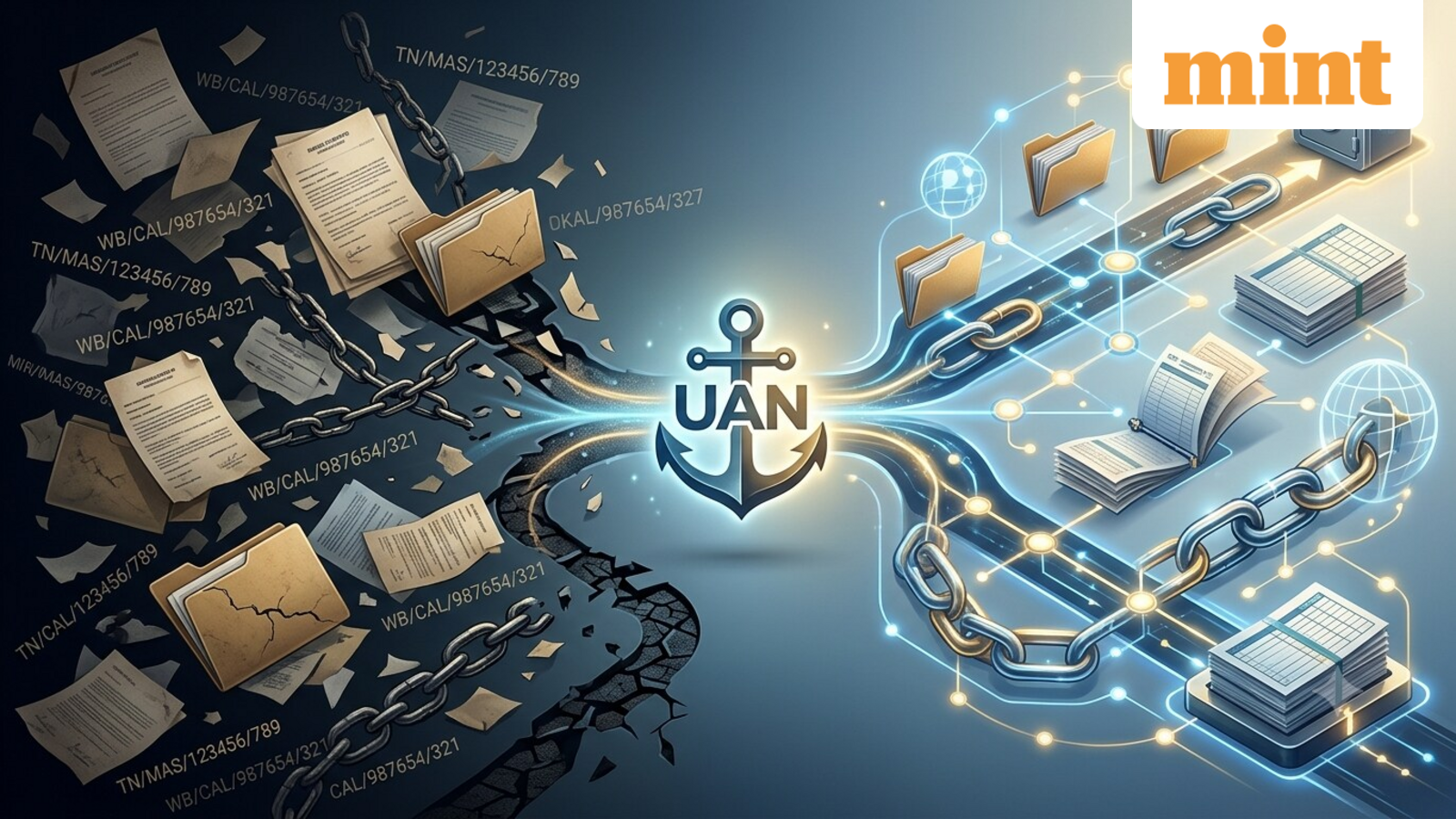
Before the UAN system was rolled out, every EPF subscriber received an employer-specific Member ID. Whenever an employee changed jobs, the new employer generated another Member ID, resulting in multiple PF accounts over the course of a career.
UAN was introduced to bring all these Member IDs under a single permanent account. Under the system, an employee retains the same UAN throughout their working life, while every new employer simply links a fresh Member ID to that UAN.
However, not all legacy accounts were successfully mapped during the transition. Differences in personal details such as name, date of birth or father’s name, incomplete records maintained by previous employers, missing date of exit, or absence of Aadhaar and KYC details meant that some older PF accounts continued to remain outside the member’s current UAN. EPFO’s own FAQs note that employers play a key role in retrieving and linking earlier UANs or Member IDs where necessary.
An unlinked account does not necessarily mean the PF balance has been lost, but it can make withdrawals, transfers and verification of service history more cumbersome.
How the new Service History feature can help
The new Service History section on the upgraded EPFO portal provides members with a consolidated view of all employment records linked to their UAN. It displays details such as previous establishments, Member IDs, dates of joining and exit, and EPF and Employees’ Pension Scheme (EPS) service records.
Members can access the feature by logging into the Unified Member Portal using their UAN credentials and navigating to the Service History section. Reviewing this information before filing a PF transfer, withdrawal or pension claim can help identify missing employment periods or discrepancies in service records.
If an earlier employer or PF account does not appear in the service history, employees should first check whether the employment period has been captured correctly. If they remember their old Member ID but cannot find it on the portal, they should contact the previous employer to verify the records.
Employees who do not remember their earlier UAN should approach their former employer, who can retrieve it through the EPFO employer portal. Once the earlier UAN or Member ID is identified, the necessary steps can be taken to link or transfer the account to the current UAN.
The feature comes alongside EPFO’s broader technology overhaul, which migrated member records from a decentralised system to a centralised national database. According to EPFO, the upgrade is intended to improve processing efficiency, provide a unified view of member records and make online services more reliable after years of fragmented data across regional offices.