Indane Gas Booking: How To Book Indane Gas Cylinders Online Via ICICI Bank, HDFC Bank Accounts?
Indane Gas is one of the most widely used LPG gas cylinders by Indian households alongside BPCL’s Bharat Gas and HPCL’s HP Gas. There are both online and offline methods to book your Indane Gas cylinders via Indian Oil’s mobile app or by simply visiting your LPG distributor. However, since the crisis in the Middle East, which led to supply constraints for global oil and gas, the Indian government has encouraged citizens to book their LPG cylinders online. Online booking of LPG cylinders has risen to 99% across the country.
The common online methods for booking Indane Gas are SMS, missed call, WhatsApp, online portal and mobile app. Here are the details:
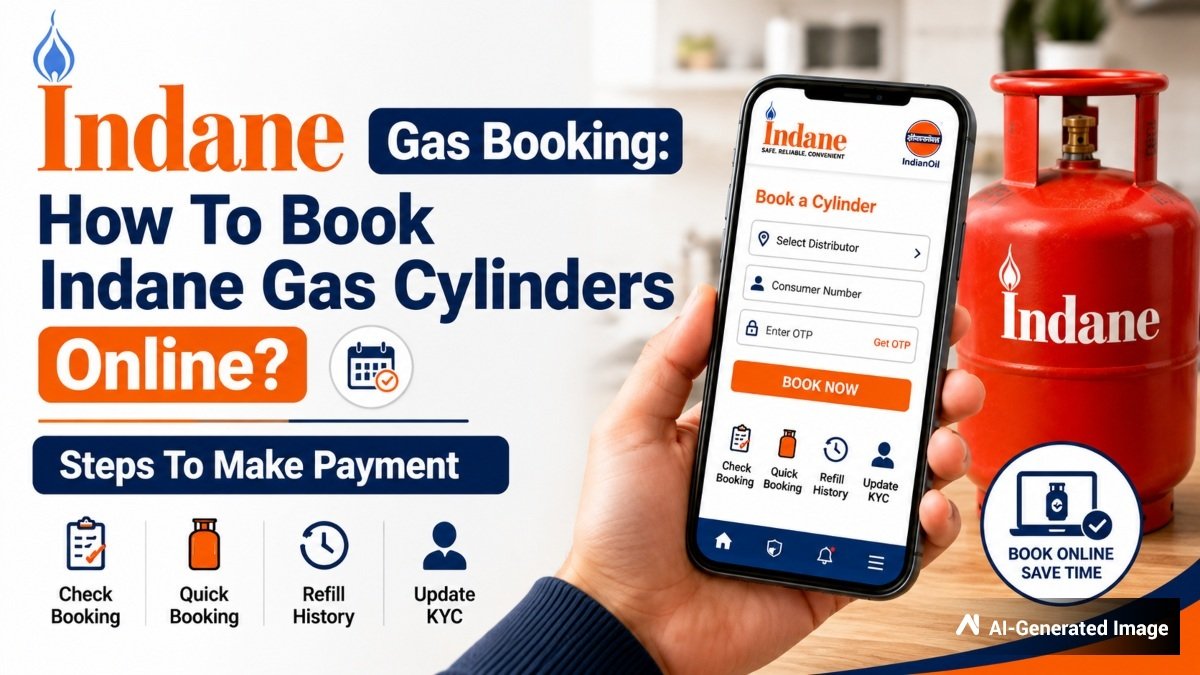
/img/2026/08/indanegasbooking1-44031785656253.jpg)
How To Book Indane Gas At Indian Oil:
SMS/IVRS Booking: Just like the above two methods, you can send “REFILL” or use the IVRS service at 7718955555 for Indane Gas from your registered mobile number.
Missed Call Booking: For Indane, give a missed call to 8454955555 via your registered mobile number to request for a refill.
WhatsApp Booking: From your registered mobile number, send a message titled “REFILL” to 7588888824.
Mobile App: The IndianOil ONE mobile application is available for refill as well.
Online Portal: Place your refill requests via the official portal https://cx.indianoil.in
Customer Helpline: Indian Oil’s toll-free number is 1800-2333-555 available for feedback and customer support.
Emergency Helpline: However, just in case there is a graver emergency regarding LPG, such as leakage or safety emergencies, consumers should contact the national LPG emergency number 1906.
But did you know that you can book your Indane Gas cylinders through your bank account as well. ICICI Bank and HDFC Bank, which are two of the largest private banks of India, allow these services through their mobile apps and net banking procedures.
How To Book Indane Gas via iMobile?
Step 1: Log in to the ICICI Bank’s iMobile app and go to ‘Bill Pay, Recharge and FASTag’ tile.
Step 2: Search ‘Indane Gas’ using the Search Bar.
Step 3: Alternatively, click on ‘LPG Cylinder Booking’ and choose ‘Indane Gas’ from the list.
Step 4: Enter the Mobile Number, Consumer Number and Distributor Code, or Consumer ID.
Step 5: Click on ‘Fetch and Register’
Step 6: Confirm the payment mode and complete payment.
How To Book Indane Gas Via ICICI Bank Net Banking?
Step 1: Log in to ICICI Bank Internet Banking
Step 2: Navigate to ‘Pay Bills’ under ‘Payment & Transfer’
Step 3: Search ‘Indane Gas’ using the Search Bar.
Step 4: Alternatively, go to ‘LPG Cylinder Booking’ & select ‘Indane Gas’ from the list.
Step 5: Enter the Mobile Number, Consumer Number & Distributor Code, or Consumer ID to fetch the booking
Step 6: Confirm the payment mode and complete the payment securely
Indane Gas Booking Rules For ICICI Bank Customers:
Before carrying out the booking and payment procedure, here are certain terms and conditions ICICI Bank customers should be aware off.
Firstly, you should book your Indane Gas through the registered mobile number at the LPG distributor for making a request via the ICICI Bank account. Secondly, customers can book up to 2 cylinders per month and 15 cylinders in a year. Also, there must be a minimum 14-15 day gap between two bookings.
Aadhaar linking may be required as per recent government norms. Lastly, you will receive SMS or email confirmation after successful booking.
How To Book Indane Gas & Pay Bill At HDFC Bank’s PayZapp?
Step 1: Open PayZapp and navigate to ‘Bills & Recharges’.
Step 2: Choose ‘Gas Cylinder’ and then select Indane Gas (Indian Oil).
Step 3: Enter your LPG ID or registered mobile number.
Step 4: Select the cylinder or bill value and verify the information.
Step 5: Apply Cashback offers if available.
Step 6: Select your payment method – UPI, Debit Card, Credit Card, or PayZapp wallet.
“Once done, the payment is processed instantly, with immediate confirmation,” said HDFC Bank’s website.
However, it needs to be noted that the refill rules for LPG cylinders have been revised since West Asia war. Now, for refilling your LPG cylinders, customers in urban areas will have to wait for 25-days from the purchase of the previous cylinder. For customers in rural areas, the booking interval period is 45-days.
Indane Gas Prices Cut In August 2026:
With effect from August 1, 2026, commercial LPG prices, which come in the variant of 19 Kg is lowered for the second consecutive month by Indian Oil. In August, 19 Kg LPG is cheaper by Rs 192 to 209 across major cities.
In Delhi, the commercial LPG price dropped by Rs 192 to Rs 2,738, while in Mumbai, the price dipped by Rs 194 to Rs 2,691.50 per cylinder. In Kolkata, LPG is down by Rs 209 to Rs 2,872.50 and in Chennai, 19 Kg cylinder price is lower by Rs 200 to Rs 2,906 per cylinder.
However, 14.2 kg LPG prices remain unchanged for second consecutive month. That said, a 14.2 Kg LPG cylinder continues to be available at Rs 942 in Delhi, at Rs 968 in Kolkata, at Rs 941.50 in Mumbai, and at Rs 957.50 in Chennai.